How to Choose a Smart Thermostat for Energy Savings and Comfort
A smart thermostat can make heating and cooling easier to manage, but the best choice depends on far more than a polished app. Compatibility with the HVAC system comes first, followed by reliable temperature control, sensible scheduling, privacy, and features that match the way people actually live in the home.
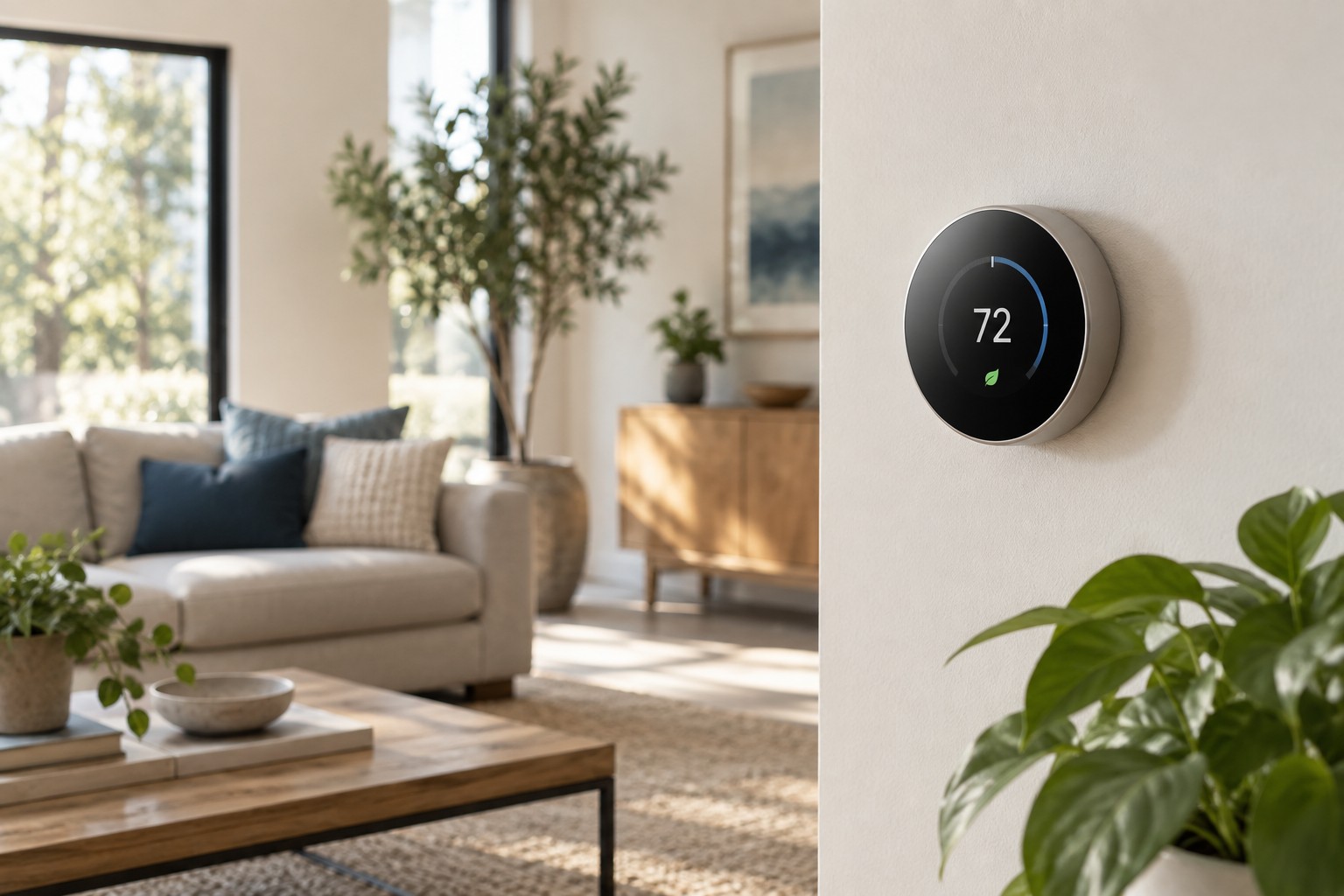
Begin with HVAC compatibility
Before comparing displays or automation features, identify the heating and cooling equipment in the home. A conventional furnace and air conditioner, a heat pump, a boiler, electric baseboard heating, and a multi-stage system may require different controls. Check the existing thermostat wiring and photograph the terminals before removing anything. The wire colors are helpful clues, but the terminal labels are the safer reference because installers do not always follow the same color convention.
Many smart thermostats need a common wire, usually called a C-wire, to provide continuous power. Some products include an adapter for systems without one, while others use power-stealing methods that may not work reliably with every furnace control board. Use the manufacturer’s compatibility checker and involve a qualified HVAC technician when the wiring, voltage, or equipment type is uncertain. Line-voltage electric heating requires a thermostat specifically designed for that application.
Decide how much automation you want
Basic scheduling is enough for a household with a predictable routine. Learning thermostats attempt to build schedules from adjustments and occupancy patterns, while geofencing uses phone location to change the temperature when people leave or return. These systems can reduce unnecessary heating or cooling, but they also need thoughtful setup. A household with irregular shifts, guests, or several phones may find a clear manual schedule easier to understand.
Look for an obvious way to pause automation. Vacation modes, temporary holds, and schedule overrides should be accessible from the thermostat as well as the app. Core heating and cooling controls should continue to work if the internet connection fails. Cloud services can add useful remote access, yet the thermostat remains a critical home control and should not become unusable because an account or server is unavailable.
Evaluate sensors and room comfort
A thermostat measures the temperature where it is installed, which may not represent a bedroom upstairs or a sunny home office. Optional remote sensors can help by averaging several rooms or prioritizing one room at a particular time. Check whether the system supports enough sensors, whether they detect occupancy, and whether their batteries are easy to replace.
Remote sensors cannot fix every airflow problem. If one room is consistently uncomfortable, blocked returns, poor insulation, duct leakage, or an improperly balanced system may be the underlying cause. A smart thermostat can expose a pattern, but it cannot create independent zones unless the HVAC system already has the required dampers and controls.
Look beyond claimed energy savings
Energy savings depend on climate, insulation, equipment efficiency, temperature settings, and the schedule used before installation. A thermostat saves energy mainly by avoiding unnecessary runtime, not by making the furnace or air conditioner mechanically more efficient. Treat a percentage claim as an estimate under certain conditions rather than a guaranteed reduction in the utility bill.
Useful reporting should show daily runtime, comparisons over time, and a clear explanation of schedule changes. Utility-company demand-response programs may offer rebates or bill credits, but participation can allow temporary temperature adjustments during peak periods. Read the enrollment terms and confirm that opting out is straightforward before connecting the thermostat to a program.
Check controls, privacy, and integrations
The wall controls should remain readable and responsive for everyone in the home. Consider display size, brightness at night, physical or touch controls, and how many steps are needed to change the temperature. Voice assistants and home-automation platforms can be convenient, but verify current compatibility with the specific ecosystem rather than assuming every feature works across brands.
Review what data the thermostat collects, how long it is retained, and whether location or occupancy history can be disabled. Use a unique account password and multi-factor authentication when available. Also check the manufacturer’s software-update record and stated support period. A thermostat may remain on the wall for many years, so continued security updates matter more than they do for a frequently replaced gadget.
Installation and ownership details
Measure the old thermostat and inspect the wall behind it. A trim plate may be needed to cover paint lines or a large opening. Confirm that the new unit can connect to the home Wi-Fi signal at that location, particularly if the router is on another floor. Keep the old thermostat and label the wires until the new system has operated through both heating and cooling cycles.
After installation, verify the equipment type and staging settings instead of accepting every automatic detection result. Test heating, cooling, fan operation, emergency heat where applicable, and remote sensors. Watch several normal cycles and listen for unusually rapid starting and stopping. Incorrect configuration can reduce comfort and place unnecessary wear on the equipment.
A practical buying checklist
- Confirm the HVAC type, voltage, stages, and existing terminal labels.
- Determine whether a C-wire or power adapter is required.
- Choose scheduling, learning, or geofencing that matches the household routine.
- Check remote-sensor support and understand its limits.
- Review offline operation, privacy settings, and software support.
- Compare rebates without overlooking program terms.
- Test every heating and cooling mode immediately after installation.
A good smart thermostat should quietly improve comfort and reduce wasted runtime without making basic climate control harder. Confirm compatibility first, choose only the automation the household will use, and evaluate the product as a long-term part of the HVAC system rather than a short-lived screen on the wall.